Let Chat Take Control
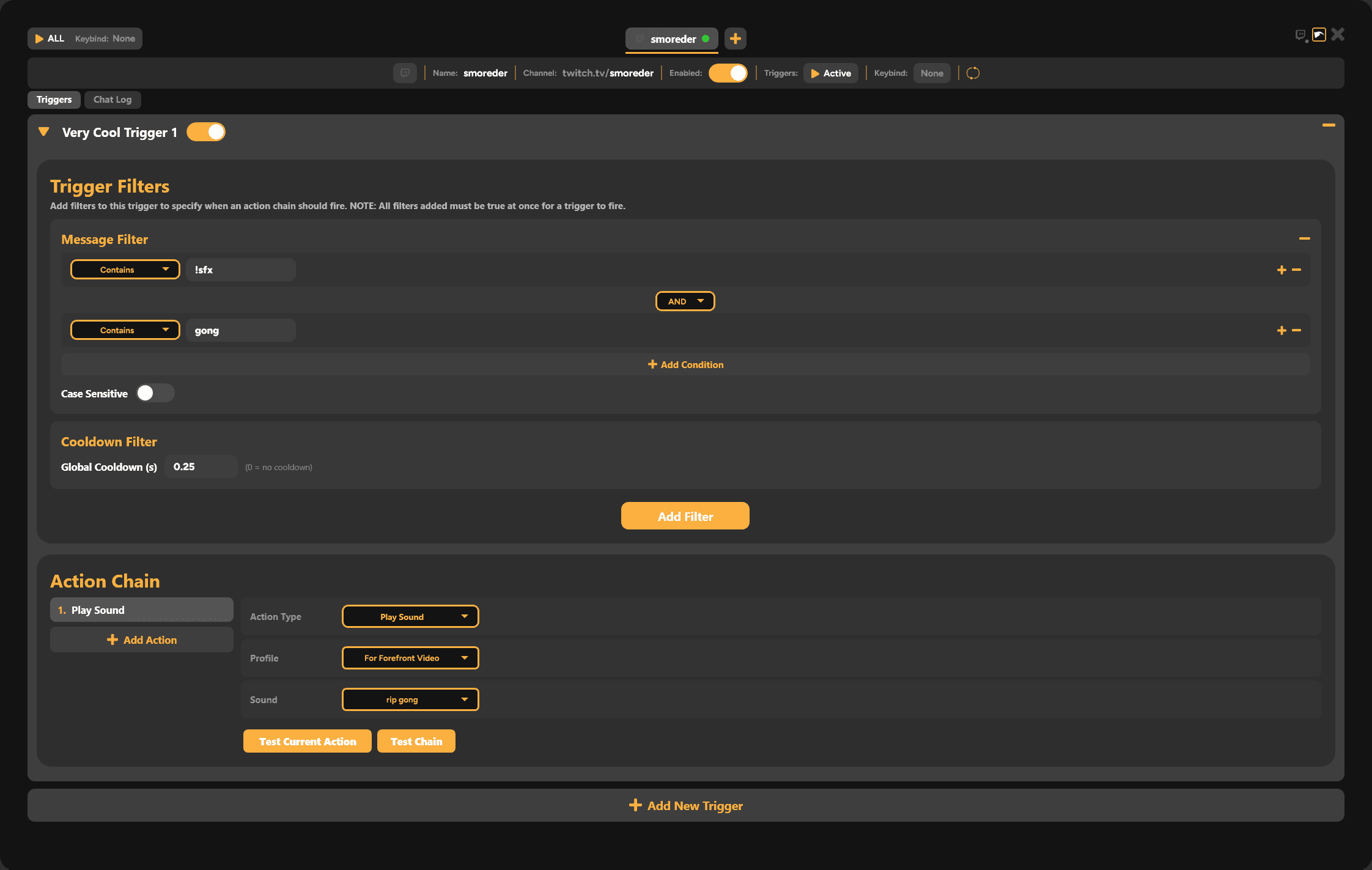
Use the SmoredBoard's Chat Controller to setup triggers allowing chat to play sounds, set voice changers, do whatever you want!
Your chat controls the soundboard
Assign a trigger to any sound in your soundboard. When a viewer activates that trigger in your YouTube or Twitch live chat, SmoredBoard plays the sound on stream instantly.
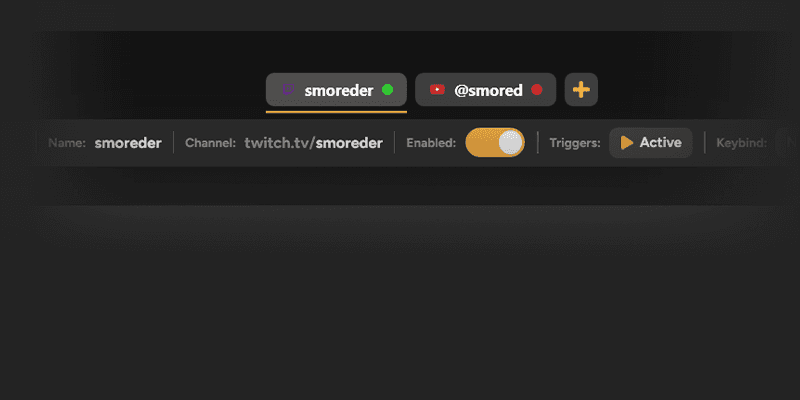
Works on YouTube and Twitch
Connect a YouTube stream, a Twitch channel, or both at the same time. You can even hook up multiple channels of each so every stream can control the SmoredBoard
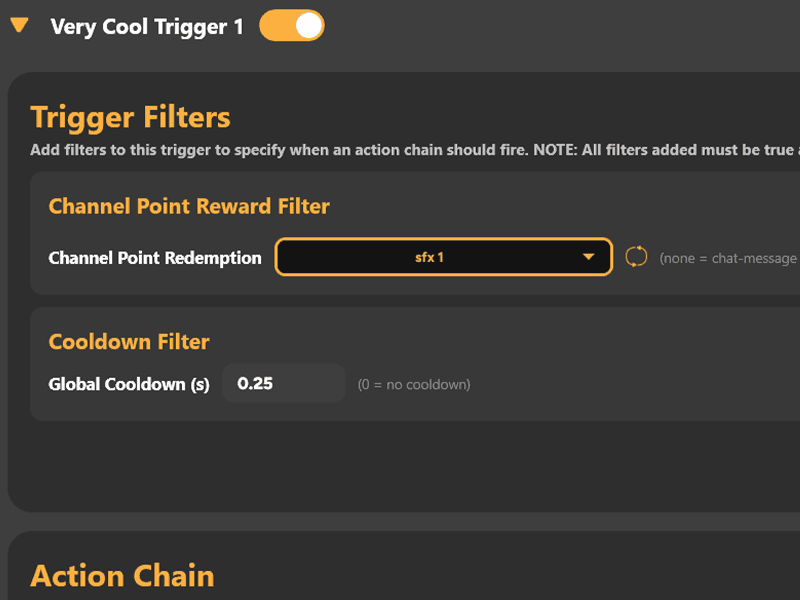
Activate Sounds On Channel Point Redemptions
Link your Twitch account and setup custom channel point rewards that can fire any action in the SmoredBoard.
Plus many more filter options!


Hooks into any stream setup
Streaming with OBS, Streamlabs, or anything else? Chat-triggered sounds play through the VB-Cable Virtual Device, so they go out over your stream, into your game, or both just like any other sound in the SmoredBoard.
Keep Full control over what plays
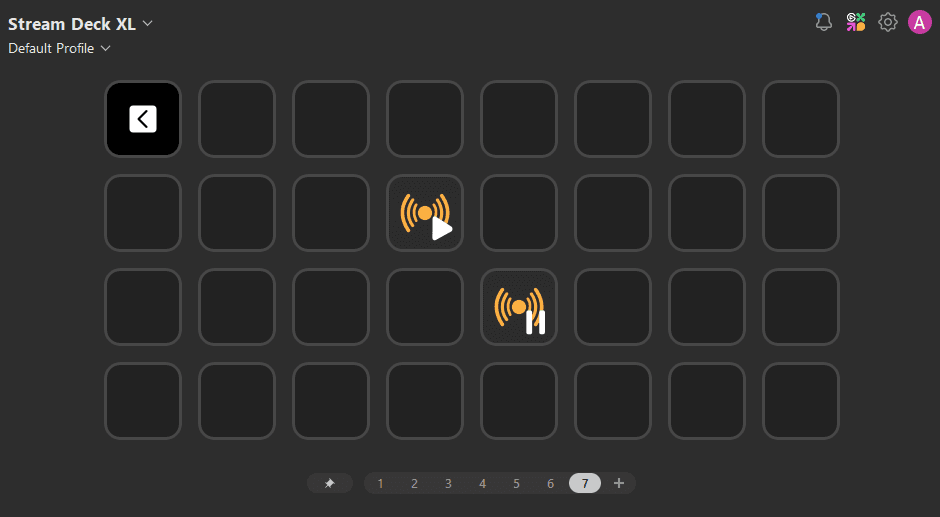
Pause all triggers with one click, either using a keybind or the SmoredBoard's Stream Deck plugin.
SmoredBoard Chat Controller FAQ
Can my YouTube or Twitch chat play sounds on my stream?
Yes. With SmoredBoard's Chat Controller, viewers in your YouTube or Twitch chat can trigger soundboard sounds in real time by activating any filter you setup.
Do I need a third-party bot like Streamlabs or Nightbot?
No. SmoredBoard connects to chat directly. You do not need to install or configure a separate chat bot to play sounds from chat.
Will people be able to hear the sounds in the game i'm playing or just on stream?
Yes. If you set your in game mic to CABLE Output, all sounds played in the SmoredBoard will be heard in game and on stream. If you set your mic to your regular mic, chat triggered sounds will only be heard on stream, not in game.
Does it work on both YouTube and Twitch?
Yes. You can connect multiple YouTube streams and Twitch channels at the same time.
Is this free?
Yes. The Chat Controller is included in SmoredBoard for free. To setup Donation and Subscription filters you will need Pro, but every other filter is free.
Full Setup Tutorial
Download the SmoredBoard
Download SmoredBoard for free and let chat take control of your stream's soundboard!