Free Soundboard and Real-Time Voice Changer
Works everywhere you need it to
Works in any game, or sofware. If the app has a mic input, it works with the SmoredBoard.

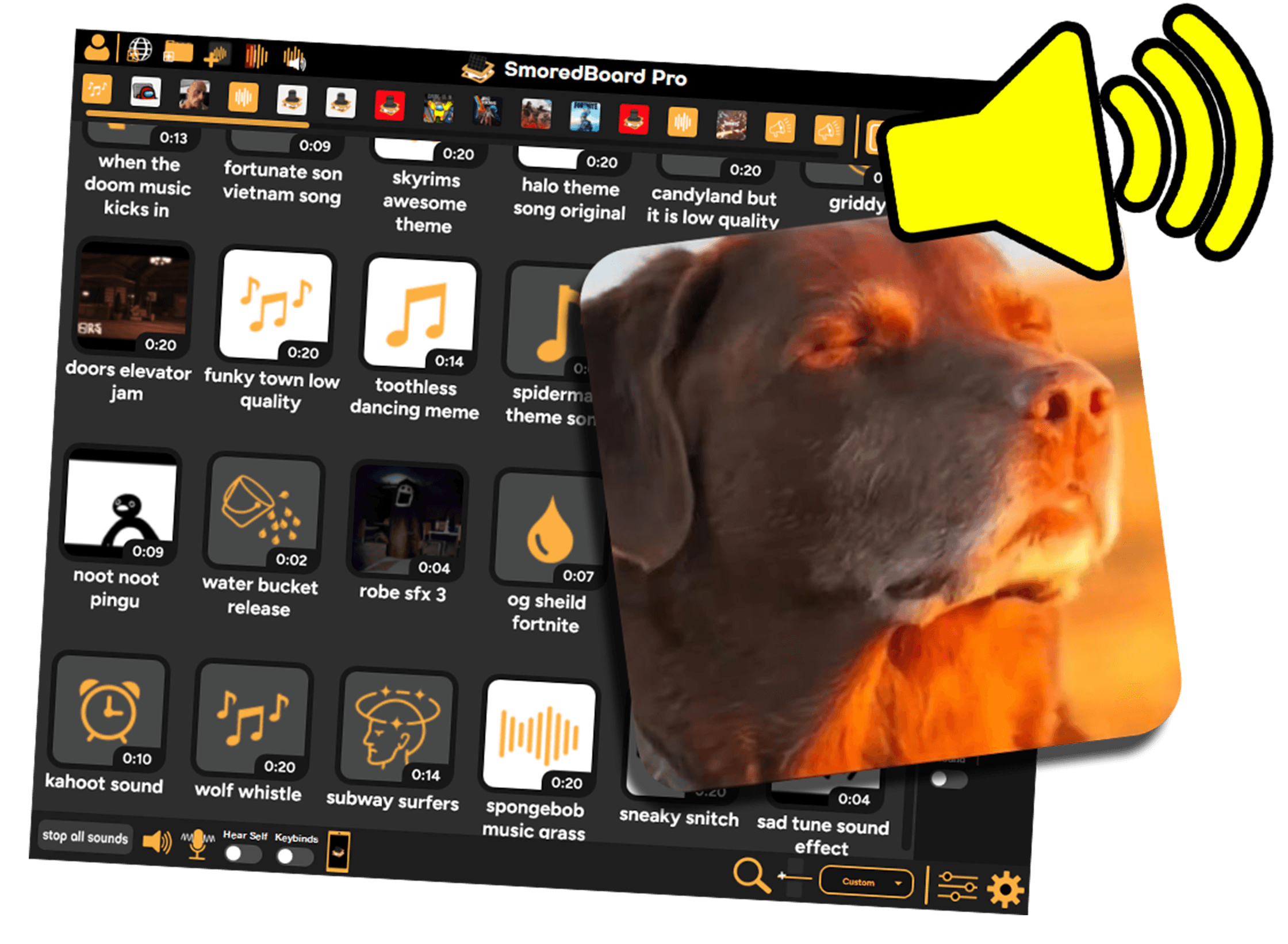
Unlimited Sound Slots for Free
Easily add sounds
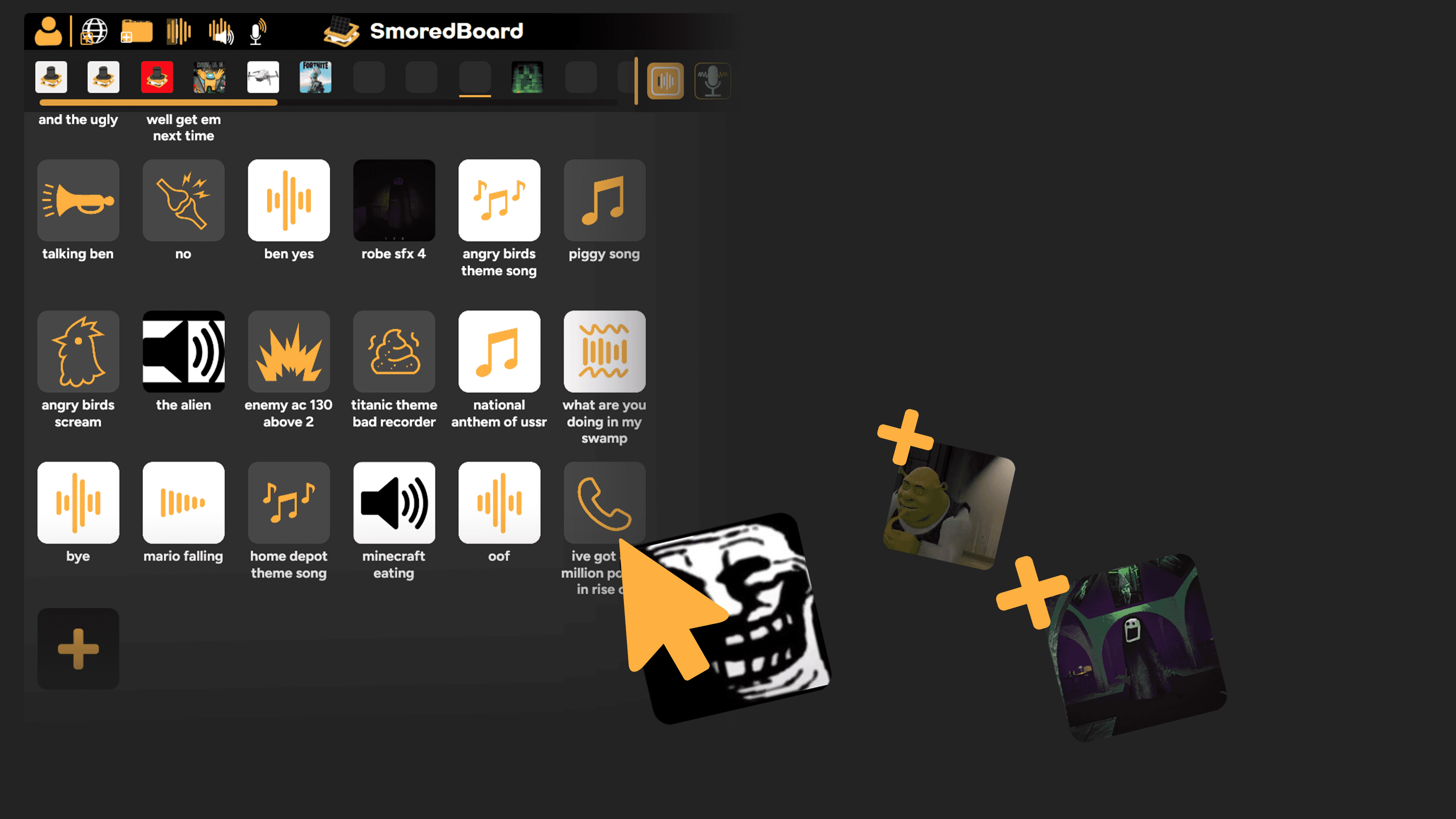
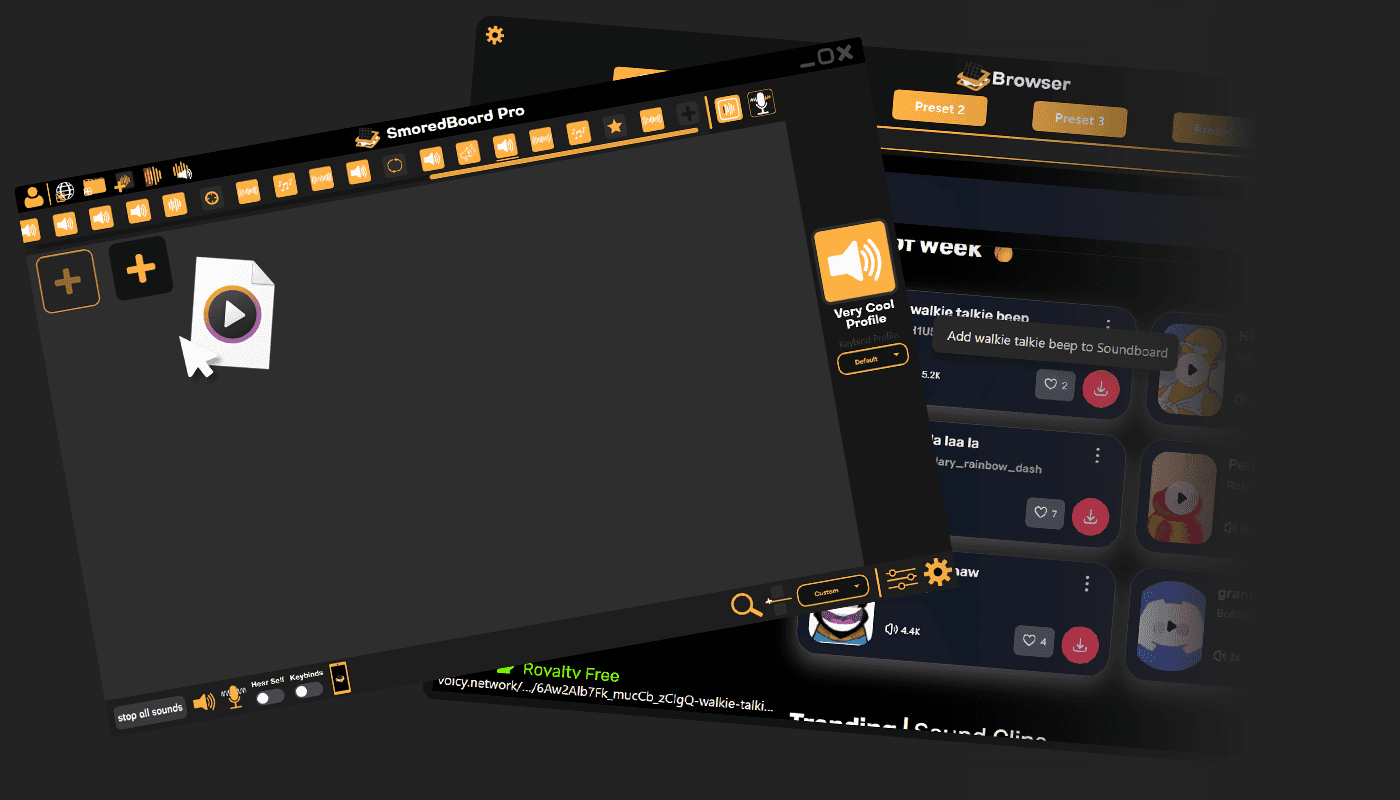
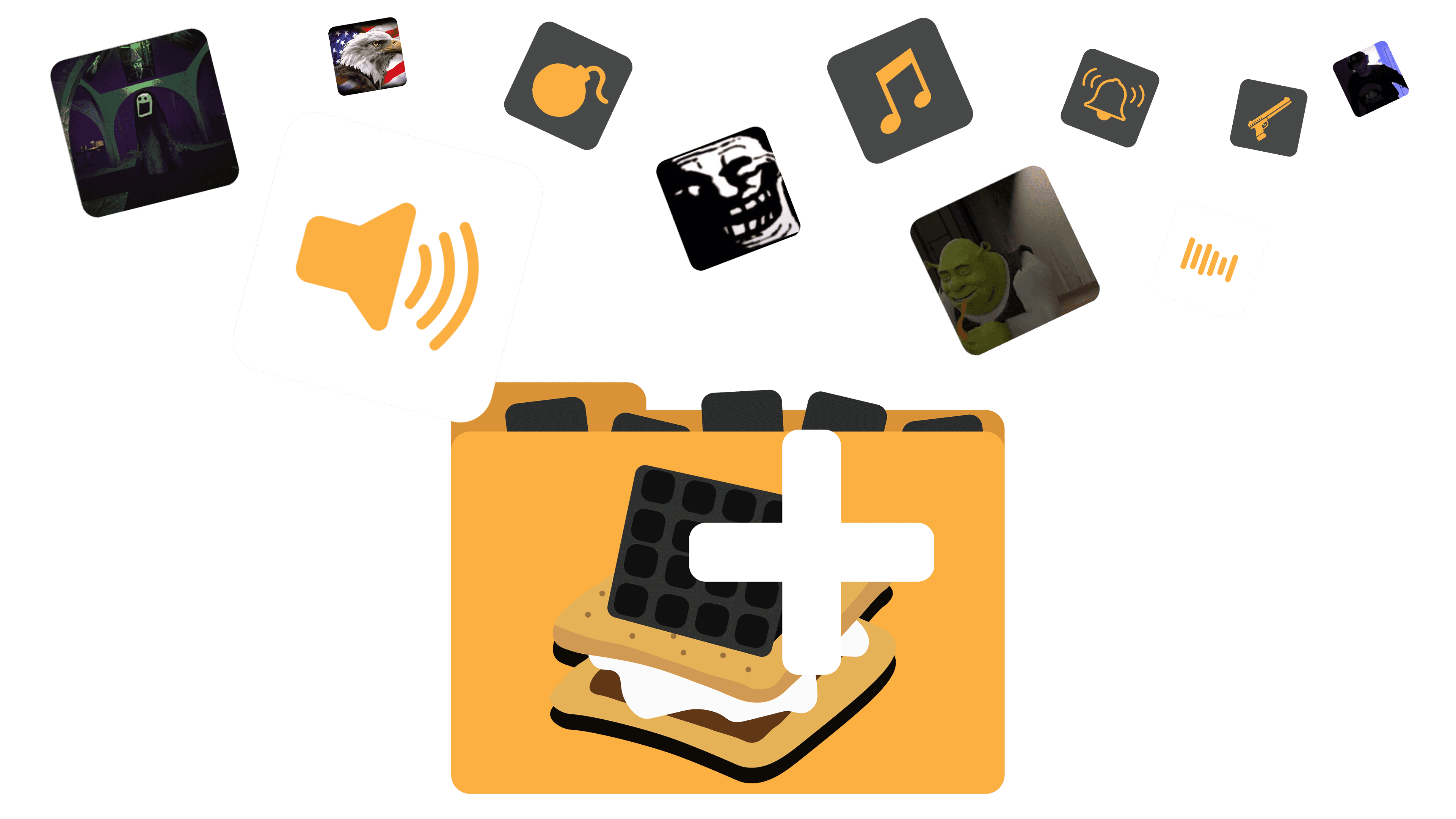
Drag and drop Audio Files, MP4s, or, add sounds without leaving the SmoredBoard from any website using the built in browser in one click
Share your sounds
Easily export soundboard profiles to share with friends, or use our Voicy profile maker to share sounds with a larger community
Add Effects to your sounds
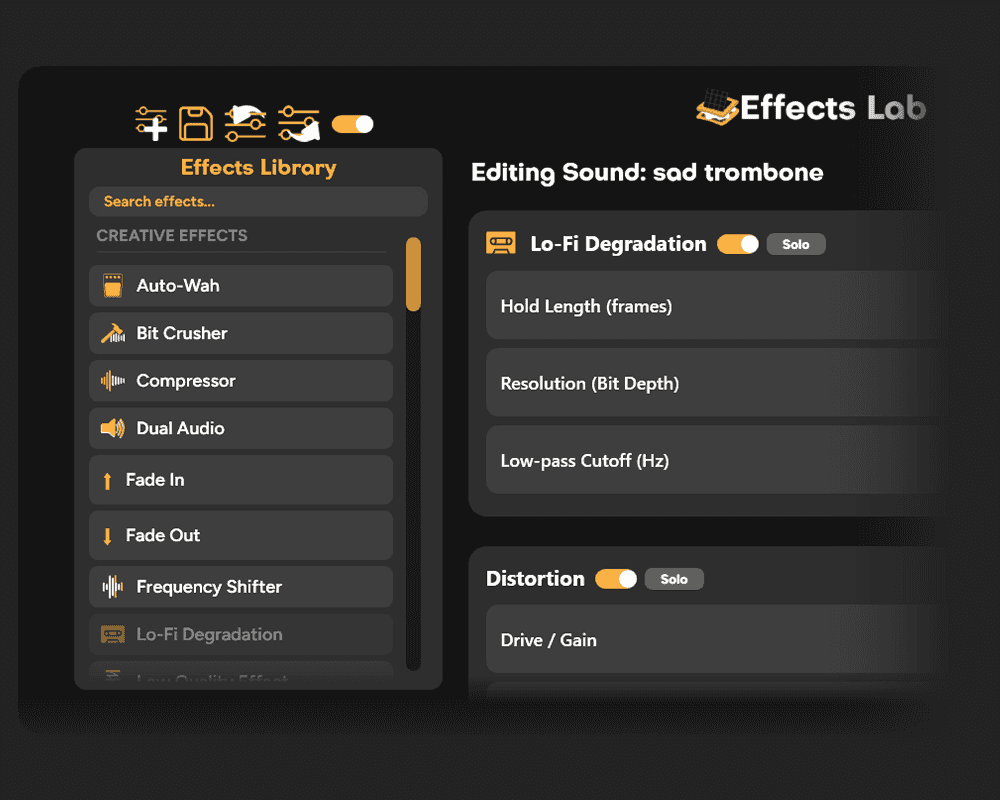
Use the Effects Lab to make any sound echo, low quality, bass boosted, basically anything you can imagine
Edit your sounds
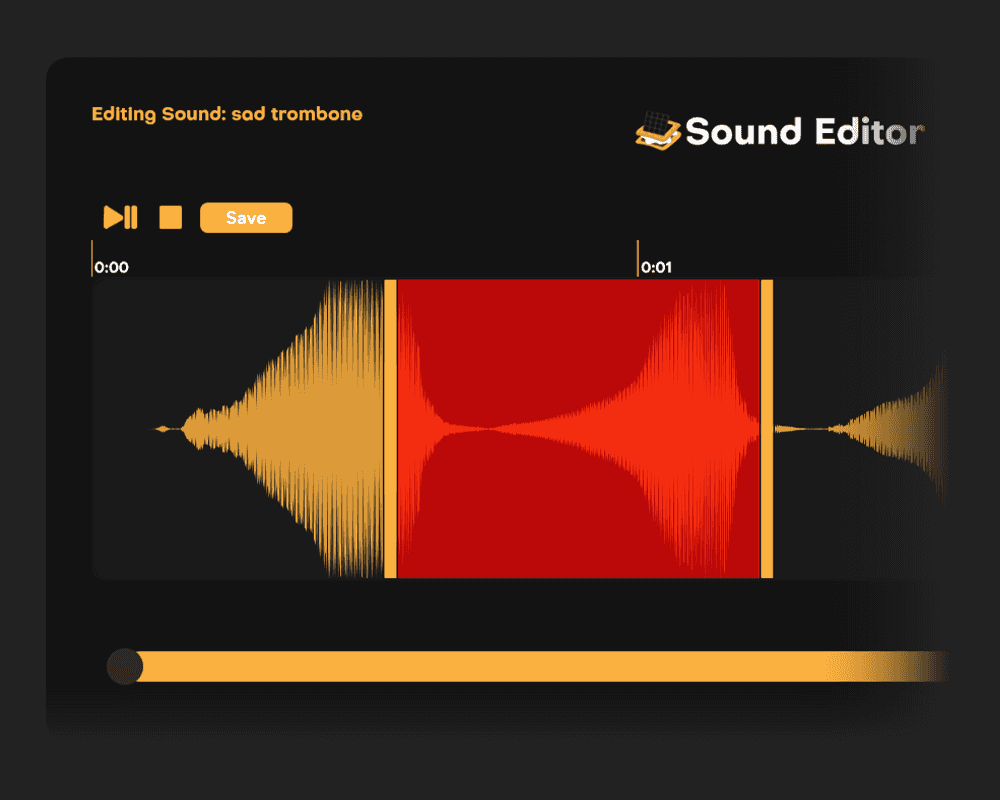
Apply trims, and cuts, to your sounds to cut out any dead space or just jump to the part you really want
Play any sound at the perfect time
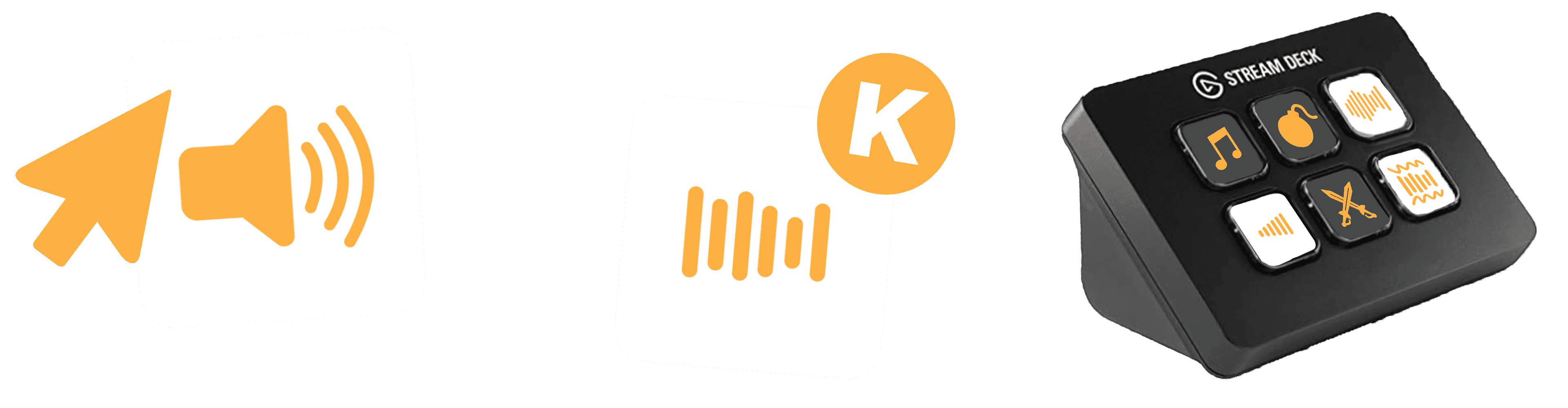
Use keybinds, our Stream Deck plugin, or just click the sound you want to play it!
Completely Local
All sounds are stored locally on your device and can be used offline, without an account

Ready to Get Started?
Download SmoredBoard for free and start using the most customizable soundboard and voice changer today!